
Feed an AI study planner your subjects, exam date, and available hours, and it will hand back a day-by-day schedule built on spaced repetition and active recall, not guesswork. Generate that plan today with the syllabus you already have. For nursing and healthcare exam candidates, RecallOS builds on that same logic with daily practice questions mapped to your actual test blueprint.
TL;DR:
- An AI study planner requires detailed inputs like syllabus, exam date, available hours, confidence levels, and activity preferences for accurate scheduling.
- Properly spaced reviews, active recall, and difficulty-weighted repetition are core principles that improve long-term exam retention.
- Following the schedule consistently for at least one week, and adjusting minimally, enhances adherence and effectiveness.
- RecallOS tailors the same scheduling logic specifically for healthcare exams with high-yield questions and adaptive weak-area review.
- Ignoring specifics like actual exam content and over-tweaking plans reduces their benefit; using real blueprints and sticking to the schedule is key.
Table of Contents
- How AI Study Planning Turns Your Syllabus Into a Schedule
- How Do You Generate and Follow an AI Study Plan Day to Day?
- Why Spaced Repetition and Testing Actually Improve Retention
- Copy-Ready Templates for Semester, Finals, and Intensive Prep
- How RecallOS Applies This to Nursing and Healthcare Exam Prep
- What Actually Moves the Needle in AI Study Planning
- Ready to Put This Into Practice for Your Exam?
- Tools and Resources Worth Exploring Further
- Sources
How AI Study Planning Turns Your Syllabus Into a Schedule
An AI planner needs a handful of specific inputs before it can output anything useful. Skip one and the schedule either overestimates your time or wastes review sessions on material you already know cold.
Here's what most generators, including Notiq's day-by-day planner, ask for before building your calendar:
- Your subjects or full syllabus, broken into topics or units
- Exam date (or multiple exam dates if you're juggling several courses)
- Hours available per day and which days you can actually study
- Current confidence level per topic, rated roughly on a 1 to 5 scale
- Preferred study times, since a night-shift nursing student and a morning-person freshman need different schedules
- Activity preferences, such as whether you learn better from flashcards or full practice tests
Once those inputs exist, the planner works backward from your exam date rather than forward from today. That reverse calculation is the core mechanic behind tools like Notiq's generator, which locks in review sessions and a light-review day right before the test date, then fills in everything else around those fixed points.
Difficulty-weighted allocation comes next. A topic you rated a 2 out of 5 gets more repeated sessions than one you rated a 4, and harder material tends to land earlier in the week when your energy is higher. The algorithm also enforces spaced reviews automatically, meaning a topic you study on Monday resurfaces on Wednesday and again the following week, whether or not you'd have remembered to schedule that yourself.
Most planners break sessions into a small set of activity types, each doing a different job:
- Reading or lecture review: first exposure to new material
- Practice questions: applying the concept under quiz conditions
- Flashcards: quick recall drills for definitions, values, or terminology
- Quizzes: timed, scored checks that mimic exam pressure
- Mock exams: full-length simulations closer to test day
- Breaks: built-in, non-negotiable recovery time
A well-built plan also protects you from yourself. That cushion, combined with mandatory breaks and a deliberately light final day, is what separates a plan you can actually follow from a spreadsheet that looks impressive and falls apart by week two.
How Do You Generate and Follow an AI Study Plan Day to Day?
Building the plan is the easy part. Following it for six straight weeks is where most students actually fail, so the sequence matters as much as the tool.
- Gather your syllabus or topic list. Write out every subject, unit, or exam category before you touch a generator. Vague inputs produce vague plans.
- Set your exam date or timeline. If you have flexibility, pick a realistic date rather than the earliest possible one. A rushed timeline forces the algorithm to cram, which defeats the spacing it's supposed to protect.
- Log your real available hours. Be honest about clinical rotations, work shifts, or family obligations. An AI generated study plan built on fantasy hours is worse than no plan at all.
- Rate each topic's difficulty. A quick 1 to 5 self-assessment per subject is enough for the algorithm to weight your schedule correctly.
- Generate the plan and review the first week before committing. Check that session lengths match your actual attention span and adjust activity mix if needed.
If you're using a general-purpose AI chat tool instead of a dedicated generator, a prompt template speeds things up considerably. Something like: "I have an exam on [date]. My subjects are [list]. I have [X] hours per day on [days]. My confidence per topic is [ratings]. Build me a day-by-day study schedule with spaced review and one practice quiz per topic." Adjust and regenerate as your week changes.
Weak items get flagged for the next review cycle automatically in most tools.
Pro Tip: If you fall behind by a day or two, just keep going. Only regenerate the entire plan once you're more than two days behind, since patching a broken schedule piecemeal creates scheduling conflicts the algorithm didn't account for.
That regeneration threshold matters more than most students realize. Constantly tweaking a plan after every minor slip trains you to distrust it. Waiting until you're genuinely off track, then generating a fresh schedule with your updated timeline and hours, keeps the system doing what it's actually good at.
Why Spaced Repetition and Testing Actually Improve Retention
Every credible AI study planner is built on the same handful of cognitive science principles, and knowing why they work changes how seriously you take the schedule.
Spaced repetition spreads review sessions out over increasing intervals instead of cramming them together. Reviewing a topic once, then again three days later, then again a week after that, forces your brain to retrieve the information from longer-term storage each time, which strengthens the memory more than rereading the same page five times in a row.

The testing effect is the reason generators schedule quizzes and practice questions instead of just more reading time. Actively recalling an answer, even when you get it wrong, builds a stronger memory trace than passively reviewing the correct answer. That's why a well-designed AI generated study plan front-loads flashcards and practice sets rather than treating them as an afterthought before the exam.
Desirable difficulty explains the scheduling order within a single day. Hard, unfamiliar topics get placed when you're most alert, usually early in a study block, while quick review of material you already know gets pushed to lower-energy windows later in the day or week.
The combination of spaced review and active recall shows up across nearly every AI planner's documentation, from Notiq's spacing and difficulty-curve model to test-prep specific tools built around question banks.
In practice, this translates to a topic reappearing three to five times before an exam, mock exams clustered in the final one to two weeks rather than scattered randomly, and a genuinely light day immediately before test day. That last detail trips up ambitious students constantly. Cramming the night before an exam undermines the consolidation your brain needs from the rest that came before it.
Copy-Ready Templates for Semester, Finals, and Intensive Prep
Not every exam calls for the same plan shape. A semester course, a finals week, and a two-week certification bootcamp each need a different rhythm.
Semester plan (12 to 16 weeks): Rotate through subjects weekly rather than trying to touch everything daily. A common split looks like a balance of new material and reading, practice questions and application, and spaced review of earlier units
Weekly review sessions on Sundays catch anything that slipped during the week, and one cumulative quiz every two weeks keeps older material active.
Finals-week taper (7 to 10 days out): This is where the plan should shrink, not grow. Front-load your weakest subjects in days one through four, run at least one full mock exam per subject by day six, then taper intensity daily until a genuinely light review session the day before the test.
Bootcamp or intensive template (1 to 2 weeks, exam-style prep): High-frequency practice works here, but burnout is a real risk when every day looks the same. Structure it as:
- Morning: 60 to 90 minutes of new content or weak-area targeting
- Midday: 100 to 150 practice questions with immediate review of missed items
- Afternoon: one timed section or mini mock exam
- Evening: 20 to 30 minutes of flashcard review, then stop
For NCLEX and other healthcare certification prep specifically, StudyPlanAI's scheduling guidance recommends allowing 6 to 12 weeks for most candidates, built around daily question bank blocks, dedicated remediation time for missed topics, and full-length mock exams weighted toward the categories that carry the most points on the actual exam blueprint. A 6 to 12 week nursing school study plan with weekly templates gives you a more detailed breakdown of how that pacing plays out week by week.
How RecallOS Applies This to Nursing and Healthcare Exam Prep
Generic study planners are built for generic exams. Nursing and healthcare certification tests, from NCLEX to CRNA to CCRN, reward a narrower kind of practice: daily exposure to questions that mirror the actual test blueprint, not random trivia pulled from a broad content bank.
RecallOS applies the same scheduling logic covered above, but wires it specifically to healthcare exam content:
- Daily high-yield practice aligned to real exam blueprints rather than generic question pools
- Adaptive weak-area review that automatically resurfaces topics you're missing, applying the same spaced-repetition logic without requiring manual regeneration
- Streaks and rewards that turn the daily habit into something you actually keep up with past week two
- Content built by practicing nurses and CRNAs, so question difficulty and phrasing match what candidates actually encounter on test day
- Peer-challenge features that add the active recall benefits of teaching or quizzing a partner
A practical workflow looks like this: generate a semester or NCLEX-style timeline using the templates above, then use RecallOS for the daily execution layer, meaning daily question blocks, remediation of missed items, and progress tracking through streaks. The timeline tells you when to review pharmacology versus med surg; RecallOS handles the actual daily retrieval practice that makes the spacing effective.
| Study Need | General AI Planner | RecallOS |
|---|---|---|
| Timeline and pacing | Strong (reverse-calculates from exam date) | Complements existing timeline |
| Daily question practice | Generic or upload-dependent | Exam-blueprint aligned, healthcare-specific |
| Weak-area remediation | Manual flagging in most tools | Automatic, adaptive |
| Progress motivation | Rarely built in | Streaks and rewards |
What Actually Moves the Needle in AI Study Planning
Most students overthink the plan and underthink the follow-through. Here are three things worth testing this week, not someday.

The 10-minute win: rate every topic on your syllabus 1 to 5 for confidence, right now, before generating anything. That single input does more to make an AI generated study plan accurate than any other setting. The 1-hour win: build your first week's plan and actually run it, tracking completion honestly instead of assuming you'll remember. The 1-week experiment: follow the plan exactly as generated for seven days, no manual edits, then evaluate what worked before you start customizing.
One caution. Over-optimizing a study plan, tweaking hours, difficulty ratings, and activity mix daily, becomes its own form of procrastination. A plan you constantly adjust is a plan you're not actually following. Pick a schedule, run the experiment, and adjust once at the end of the week, not five times a day.
— Caleb
Ready to Put This Into Practice for Your Exam?
General planners are excellent at pacing a timeline, but they don't know what NCLEX actually tests or how CRNA boards weight their categories. RecallOS closes that gap: instead of generic quiz content, you get daily high-yield questions built by practicing nurses and CRNAs and mapped directly to real exam blueprints, plus adaptive review that keeps resurfacing exactly the topics you're getting wrong.
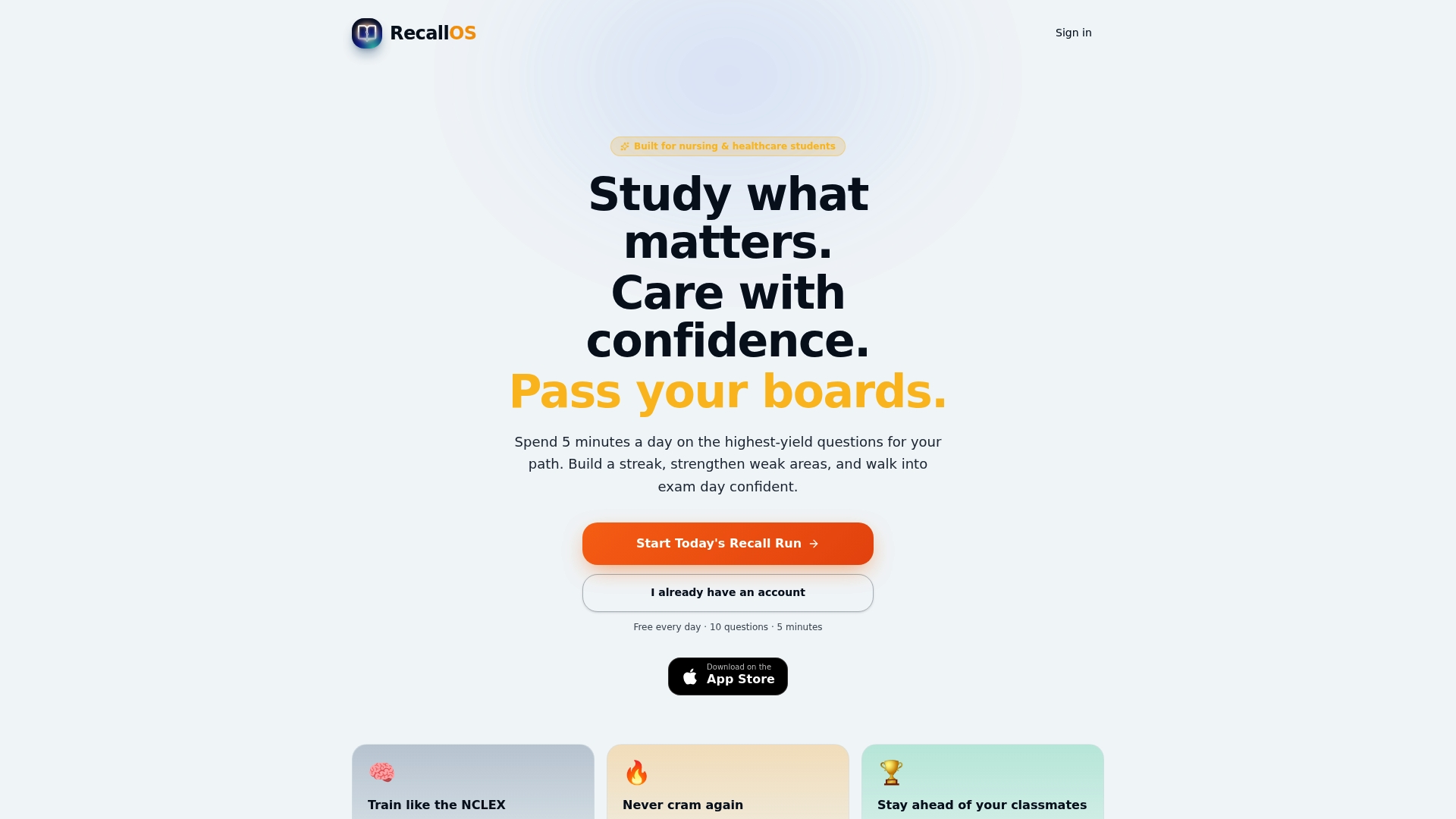
If you've already built a timeline using the templates above, the next step is simple: open the RecallOS nursing student study app and start your daily question block today. Limited free daily access lets you try the adaptive review and streak system before committing to a subscription. Check what current users say on the RecallOS reviews page, or head straight to RecallOS to get started.
Tools and Resources Worth Exploring Further
Canva's free study planner is worth trying if you want to build a custom visual tracker using Canva Code's interactive widgets. For a closer look at how reverse-timeline generators work, Notiq's planner walks through the spacing and difficulty-curve logic in detail, and Taskade's generator offers a calendar and Gantt-style view for students who think visually. Pair any of these with a weekly time-management system built specifically for nursing students juggling clinicals.
Sources
- Study planner | Canva
- Free AI Study Plan Generator — Day-by-Day Exam Schedule | Notiq
- NCLEX Study Schedule Generator | Free NCLEX RN Study Plan - Study Plan AI