
Yes, you can convert handwritten, scanned, or digital notes into working quizzes quickly with an AI quiz generator. The realistic workflow runs through four stages: prepare and clean your notes, generate questions, review and edit for accuracy, then export or schedule the quiz for practice. Tools built for students, including upload-notes features inside apps like RecallOS, follow this same pattern.
TL;DR:
- Clear handwritten images, clean OCR text, and divide long lectures by topic before upload; smaller source blocks help prevent questions from blending unrelated material.
- Review every generated item, especially numbers, dates, dosages, and clinical steps; certification or graded quizzes need human review before use.
- Attach answer explanations and revisit questions over several days, since retrieval practice depends on corrective feedback and repetition rather than testing alone.
- A study across 91 college classes and roughly 1,700 students found AI questions can match expert quality after iterative refinement and instructor review.
Table of Contents
- Why turning notes into quizzes works
- What note types and inputs work best
- Step-by-step: convert notes into a usable quiz
- Features checklist: what to look for in an AI quiz-from-notes tool
- Practical example: how RecallOS implements the workflow for nursing students
- Realistic expectations and quick safeguards
- Try RecallOS: upload notes, generate quizzes, and practice adaptively
- FAQ
- Sources
Why turning notes into quizzes works
Quizzing beats rereading because retrieving information strengthens memory more than passively reviewing it. A systematic review of classroom retrieval practice found that testing consistently improves long-term retention compared with restudying, across formats like multiple-choice and short answer. The effect gets stronger when questions push you to apply or infer rather than just recall a fact.
Feedback matters just as much as the quiz itself. A systematic review on quizzing and classroom learning found that the learning boost depends on corrective feedback, repetition, and consistent question formats, not the quiz alone.
AI speeds up the parts that used to take hours:
- Generating multiple question types from the same source material.
- Building distractors that test real misunderstanding instead of obvious wrong answers.
- Tagging items by difficulty so you can practice in tiers.
Retrieval practice works, but only within limits: classroom research ties its benefits to feedback and repetition, meaning a quiz without answer explanations loses much of its value.
What note types and inputs work best
AI quiz tools generally accept handwritten images, scanned PDFs, typed notes, lecture transcripts, and slide decks, but output quality depends heavily on how clean the input is.
- Handwritten images: shoot in even lighting, hold the camera steady, and use enough resolution that individual letters are legible before you upload.
- Scanned PDFs and slides: strip headers, footers, and page numbers, then split long documents by chapter or topic so the tool does not blend unrelated material.
- Typed notes and transcripts: remove timestamps and speaker labels, and clean up stray formatting before you paste or upload.
- Audio recordings: transcribe first, then edit the transcript for obvious errors before generating anything from it.
A lecture notes summarizer can help condense a messy transcript into clean, topic-organized text before you run it through quiz generation.
Pro Tip: Split one long lecture or chapter into smaller topic blocks before uploading. Smaller inputs produce more focused, usable questions than one giant document.
Step-by-step: convert notes into a usable quiz
Follow these steps in order for a quiz you can actually trust.
- Decide the goal and question mix. Pick whether you need quick daily practice, a formative check before an exam, or application-style questions that mimic a certification test.
- Prepare your notes. Run OCR on scanned or handwritten material, split content by topic, and delete anything irrelevant like margin doodles or unrelated tangents.
- Upload and set generation parameters. Choose the number of questions, a difficulty mix, and formats such as multiple-choice, short answer, or application-based items.
- Review every question before you trust it. Check numbers, dates, and any clinical or technical steps for accuracy, and rewrite distractors that are obviously wrong or confusingly worded.
- Add rationales and schedule practice. Attach an explanation to each answer, then slot the quiz into a spaced-practice routine instead of cramming it all at once.
An AAAI field study across 91 college classes and roughly 1,700 students found that AI-generated questions can match expert-written quality when they go through iterative refinement and instructor review. That review step is not optional if the quiz feeds into anything graded or exam-aligned.
If you are managing a full course load alongside your quiz practice, a tool like Semester Flow can pull your syllabus into a calendar so your quiz sessions line up with upcoming exams instead of competing with them.
Pro Tip: Generate 20 to 30% more questions than you need, then cut the weakest ones during review. It is faster to delete a bad question than to fix one from scratch.

For spacing your quiz sessions correctly once they are built, this guide to retention versus cramming breaks down a practical spacing rule.
Features checklist: what to look for in an AI quiz-from-notes tool
Not every quiz generator handles messy, real-world notes equally well. Before committing to one, check for:
- Accurate OCR and handwriting recognition that works across PDFs, images, and typed files.
- Answer rationales, difficulty tiers, and an editable question view so you can fix anything off-base.
- Instructor-in-the-loop review options, especially for coursework tied to grades.
- Export options to an LMS, CSV, or flashcard format, plus spaced-practice scheduling.
- Clear privacy controls and disclosure that questions are AI-generated.
Instructor review changes outcomes: MDPI research on instructor-in-the-loop exam generation found that automated grading pipelines can produce asymmetric errors, including false fails, and recommends instructor authorization for any high-stakes pass or fail decision.
If you already have flashcards from another source, a guide to importing and fixing Quizlet flashcards covers how to bring that material into a cleaner format first.
Practical example: how RecallOS implements the workflow for nursing students
Inside RecallOS, the Upload Notes feature follows this same sequence: nursing students upload lecture notes or scanned material, the system generates topic-specific quiz questions, and daily adaptive practice targets whatever weak spots show up in your answers.
- Upload Notes accepts student material and turns it into quiz-ready questions instead of leaving you to write them by hand.
- Each practice run adapts to your weak areas rather than repeating questions you already answer correctly.
- Rationales appear alongside answers, so a missed question comes with an explanation instead of just a wrong mark.
- A nursing student prepping for an exam can upload one lecture's notes, generate a topic quiz, then fold it into daily adaptive practice aligned to the exam blueprint they are studying for.
Realistic expectations and quick safeguards
AI-generated quizzes are strong for daily, low-stakes practice, but certification-level or clinical content still needs a human check. Before trusting a question, verify any numeric value, clinical step, or dosage, and reread distractors for ambiguity. Treat every AI-drafted question as a starting point, not a finished item.
— Caleb
Try RecallOS: upload notes, generate quizzes, and practice adaptively
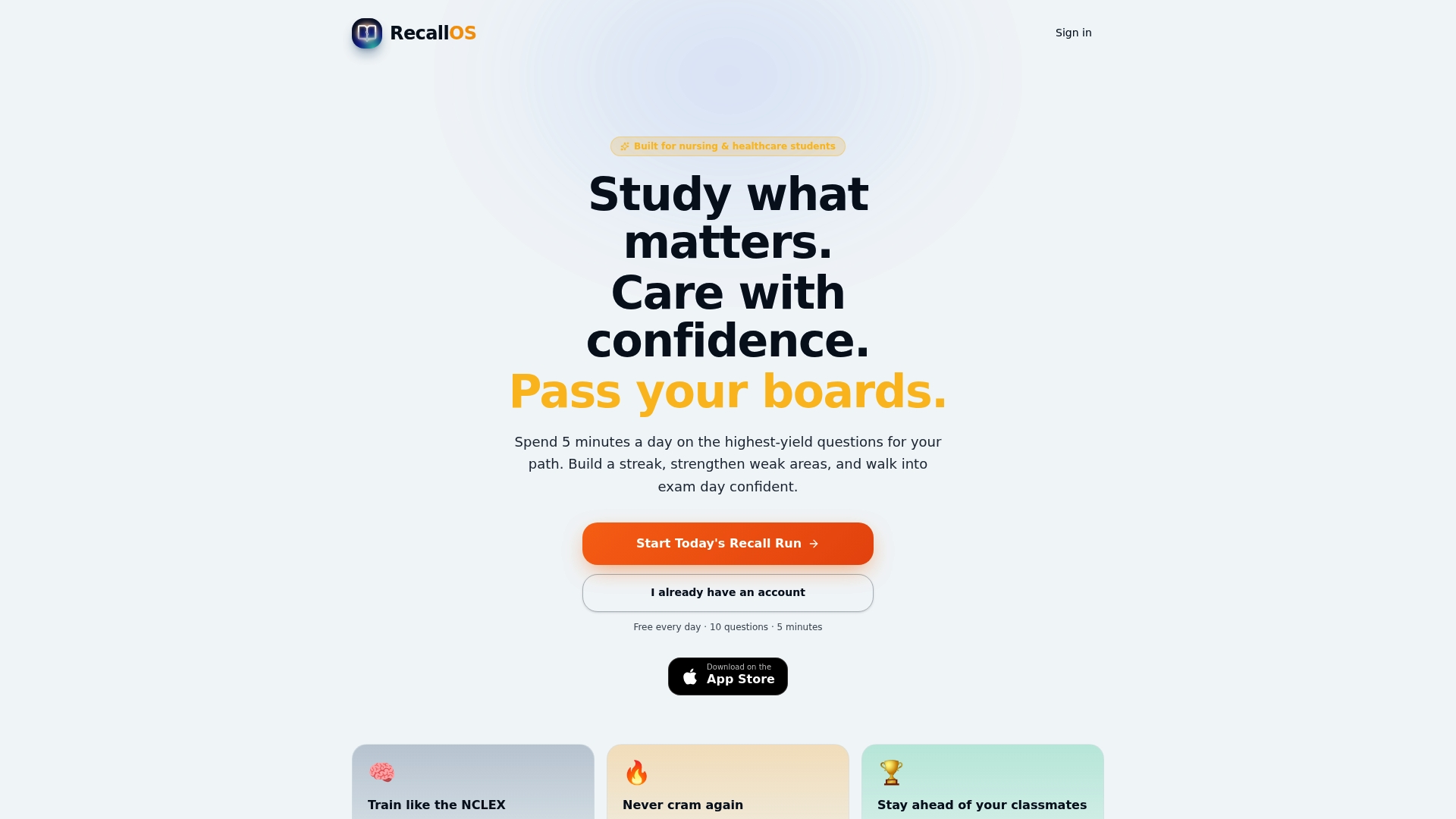
We built the Upload Notes feature in RecallOS around the exact workflow above: you upload lecture material, we generate quiz questions from it, and daily practice adapts to whichever topics trip you up. That adaptive layer is what turns a one-time quiz into ongoing, exam-aligned repetition instead of a static worksheet you take once and forget.
- Upload lecture notes, scanned pages, or typed material directly through Upload Notes.
- Run generated questions through Daily Recall Run for adaptive, weak-spot-focused practice.
- Track progress with streaks and peer challenges as you build toward exam day.
If you are studying for NCLEX, CRNA, or CCRN specifically, start with Recall+ or Recall Pro and try converting your own notes into a quiz today.
FAQ
Can AI turn handwritten notes into a quiz?
Yes, as long as the handwriting is legible and the image is well lit, most AI quiz tools can run OCR on handwritten pages and generate questions from the extracted text. Blurry or low-resolution photos produce weaker results, so clear handwriting and steady lighting make a real difference.
What question types should a quiz from notes include?
A strong mix includes multiple-choice, short answer, and application or inference questions rather than pure recall. Research on retrieval practice found that benefits are strongest when questions require applying knowledge instead of simply recognizing a fact.
Do I need to review AI-generated quiz questions before using them?
Yes, especially for anything tied to grades or certification exams. Research on instructor-in-the-loop exam generation found that automated grading can produce asymmetric errors, which is why human review and authorization matter for high-stakes use.
How does RecallOS generate quizzes from notes?
RecallOS includes an Upload Notes feature that turns uploaded lecture material into topic-specific quiz questions, then runs them through adaptive daily practice that targets your weak areas. Rationales appear with each answer so a wrong response comes with an explanation rather than just a score.
How often should I practice quizzes made from my notes?
Spacing quiz sessions over several days tends to produce better retention than cramming them into one sitting. A guide to spaced practice and cramming outlines a practical spacing approach you can apply to any quiz routine.
Sources
- Retrieval Practice Consistently Benefits Student Learning: a Systematic Review of Applied Research in Schools and Classrooms
- Testing (quizzing) boosts classroom learning: A systematic review
- AAAI paper on iterative refinement and evaluation of AI-generated exam items
- ExamQ-Gen: Instructor-in-the-Loop Generation of Self-Contained Exam Questions from Course Materials and Decision-Support Grading