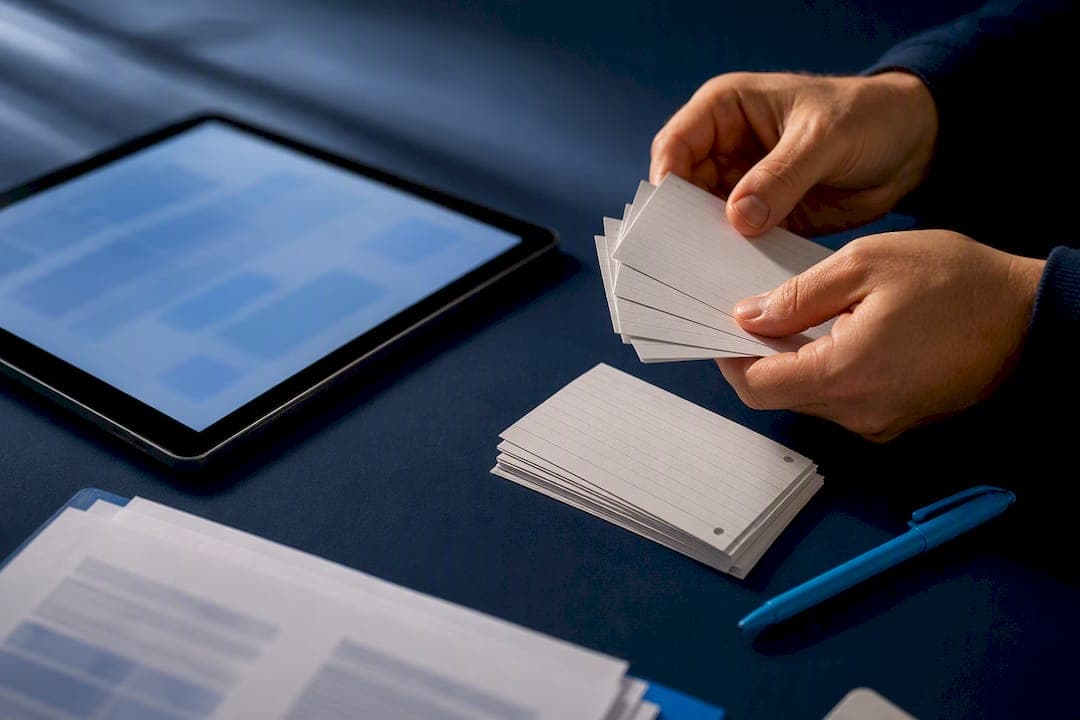
Yes, you can turn a readable PDF into editable, study-ready flashcards in seconds using AI. The main work after that happens off-screen: checking each card against the source, fixing vague wording, and folding the deck into a spaced repetition routine. If your PDF is a scan rather than searchable text, run OCR first, since generation tools can only extract what they can actually read.
TL;DR:
- Using AI to generate flashcards from PDFs works best when the document is a clean, text-based file; scanned PDFs require OCR and manual correction for accuracy.
- Extracted concepts should be verified by tracing each card back to the source sentence or paragraph, especially when it involves numbers, formulas, or technical details.
- Narrow page ranges and low card density produce more precise and relevant flashcards, whereas dumping entire chapters can lead to vague and cluttered decks.
- It is advisable to generate an initial small batch of cards first to identify OCR or formatting issues before processing the entire PDF.
- For high-stakes content, AI drafts should always be checked against primary sources to prevent hallucinations and ensure factual accuracy.
Table of Contents
- What happens after you upload a PDF
- Getting your PDF ready before you generate cards
- Catching errors before they reach your study deck
- Building a study routine around your new deck
- How RecallOS applies this workflow for healthcare exam prep
- When AI drafting is enough and when it isn't
- Turn your notes into a Daily Recall Run with RecallOS
- Sources
- FAQ
What happens after you upload a PDF
Turning a PDF into flashcards is not one step, it's a short pipeline, and knowing what happens at each stage helps you get cleaner cards on the first try.
- Text extraction: the tool parses the PDF and pulls out readable text; if the file is a scanned image, an OCR layer converts pixels into text first.
- Concept identification: natural language processing scans the extracted text for definitions, cause-effect statements, lists, and key terms worth testing.
- Card generation: the AI turns those concepts into question-and-answer pairs or cloze (fill-in-the-blank) cards, depending on the format you select.
- Customization: most tools let you set a page range, choose card style, and control how many cards get generated per page or section.
- Output and sync: finished decks land in an editable in-app format, often with export options to Anki, Quizlet, or CSV, and sync across devices so you can study on your phone between classes.
The settings that matter most are page range and card density. A narrow range with a lower density usually produces sharper, more specific cards than dumping an entire textbook chapter in at once and hoping the AI picks the right ten facts out of two hundred.
Getting your PDF ready before you generate cards
Card quality starts with the file, not the AI. A clean, text-based PDF (one where you can highlight and copy text with your cursor) gives the extraction step something solid to work with. Scanned PDFs, photographed notes, and image-heavy slides need OCR before any generator can read them accurately.
- Check readability first by trying to select and copy a line of text; if nothing highlights, the file is an image and needs OCR.
- Run OCR through your PDF reader or a dedicated tool, then skim the converted text for garbled words or missing punctuation.
- Re-scan or manually retype any section where OCR clearly misread technical terms, since generators inherit those errors as fact.
- For diagrams, chemical structures, or math notation, expect the AI to skip or mangle them, and plan to build those cards by hand.
Tables and formulas are the weak point of almost every PDF-to-flashcard workflow. A best-practice approach for scanned or image-heavy files is to run OCR, clean up the resulting text, then flag image-only pages for manual card creation rather than trusting OCR to interpret symbols it was never built to read.
Pro Tip: Generate a small batch of five to ten cards from one page first, so you catch OCR or formatting problems before running the whole document.

Catching errors before they reach your study deck
AI-generated cards are drafts, not finished study material, and the gap between the two is a short verification pass.
- Trace each card back to its source sentence or paragraph and confirm the answer matches what the PDF actually says, not what sounds plausible.
- Favor source-first cards that include the original quote or a page reference, since tools built this way make verification faster and catch drift before it reaches your deck.
- Rewrite vague prompts into direct active-recall questions, and split any card testing two facts at once into two separate cards.
- Flag high-risk cards, meaning anything with a number, dosage, unit, or formula, for a second check against an authoritative source or your instructor's material.
Hallucination is the real risk here: AI can generate a confident-sounding answer that simply is not in the source text. Research into automated question generation found that a structured, multi-agent generation and detection workflow reduced hallucination rates by over 90% in an AP-aligned sample compared with naive single-pass generation, though the same review notes that a short human verification routine of three to five checks per card remains part of the workflow, not a replacement for it.
Building a study routine around your new deck
Cards only pay off once they're organized around how you actually study, not just how they were generated — a workflow well supported by tools offering instant flashcards with spaced repetition.
- Sort cards by chapter or topic so weak spots surface by subject rather than getting lost in one giant pile.
- Tag or flag cards you miss twice in a row for extra review instead of treating every card equally.
- Keep one fact per card; dense multi-fact cards slow down recall and make grading yourself harder.
- Export to Anki, Quizlet, or CSV if you want a dedicated spaced repetition scheduler, most generators support at least one of these formats.
- Run short daily sessions rather than one long weekly cram, since spacing is the mechanism doing the actual work.
The evidence behind this is not marketing language. A systematic review of 50 retrieval practice experiments found that 57% showed medium or large benefits for student retention, across a combined sample of 5,374 participants. Separate research in medical education has linked Anki-style spaced repetition and retrieval practice over weeks or months with improved academic outcomes in undergraduate programs, which is part of why board-style exam prep leans so heavily on digital SRS tools rather than static note review.
How RecallOS applies this workflow for healthcare exam prep
RecallOS builds the upload-to-practice pipeline directly into a study app aimed at nursing and healthcare exam candidates. Instead of a generic PDF converter, it ties card generation to the kind of high-yield, blueprint-aligned content that NCLEX, CRNA, and similar certification exams actually test.
- Upload Notes lets you feed in your own materials and generate practice content instead of starting from a blank deck.
- An AI quiz generator builds structured practice questions from uploaded material, useful for turning a lecture PDF into a quiz rather than only flashcards.
- Quizlet import brings in decks you've already built elsewhere so you're not rebuilding a semester's worth of cards from scratch, detailed further in how to import and clean Quizlet flashcards.
- Adaptive weak-spot review resurfaces the questions you consistently miss instead of cycling through a deck at random.
Because RecallOS is built by practicing nurses and CRNAs, the underlying question style is meant to track real exam blueprints rather than generic trivia, which matters when the format of high-yield NCLEX-style cards looks different from a standard vocabulary flashcard.
When AI drafting is enough and when it isn't
AI earns its keep on scale: turning a 40-page PDF into a first-pass deck in minutes is not something worth doing by hand. But for high-stakes content, drug dosages, lab values, diagnostic criteria, treat the AI output as a draft, not a final answer, and verify it against your course material or a primary source. Build a habit of checking anything numeric before it goes into your review rotation. The best outcomes come from AI doing the heavy lifting of structure and speed, with your own editing doing the part that actually locks in accuracy.
— Caleb
Turn your notes into a Daily Recall Run with RecallOS
If you already have a PDF or a set of lecture notes sitting untouched, RecallOS turns them into a working deck without you formatting a single card by hand. Upload the file through Upload Notes, let the AI quiz generator draft your first set, then spend a few minutes checking accuracy before it enters rotation.
A short tryout session looks like this:
- Upload one chapter or lecture PDF and generate an initial batch of cards.
- Spot-check five to ten cards against the source material for accuracy.
- Fix any vague or compound questions so each card tests one fact.
- Start a Daily Recall Run to put the deck into spaced repetition instead of a one-time read-through.
From there, Recall+ and Recall Pro plans unlock the full adaptive review system, including weak-spot tracking and peer challenges, built specifically around nursing and healthcare certification exams.
Sources
- Using retrieval practice to increase student learning — Center for Teaching and Learning (Washington University in St. Louis)
- Citation tool offers a new approach to trustworthy AI-generated content — MIT
- Hallucination-reduction multi-agent framework for educational MCQ generation (arXiv)
- A Systematic Review of Spaced Repetition, Retrieval Practice, and Academic Performance in Undergraduate Medical Students — Cureus
FAQ
Can AI turn a scanned PDF into flashcards?
Not directly. A scanned PDF is an image, so it needs OCR to convert it into readable text before any flashcard generator can extract concepts from it, and technical symbols or diagrams often still need manual card creation afterward.
How do I check if AI-generated flashcards are accurate?
Trace each card back to the exact sentence or paragraph in your source PDF and confirm the answer matches, rather than just sounding right. Cards that include the original quote or a page reference make this check faster, and it's worth flagging any card with a number, dose, or formula for a second look.
What's the best format to export flashcards to?
Anki, Quizlet, and CSV are the most common export formats, and the right one depends on whether you want a spaced repetition scheduler (Anki), social study features (Quizlet), or raw data to import elsewhere (CSV). A systematic review of 50 retrieval practice experiments found medium or large retention benefits in 57% of cases, which is the main argument for pairing whichever export you choose with a spacing schedule rather than one-time review.
Does RecallOS work for converting nursing school PDFs into flashcards?
RecallOS's Upload Notes feature lets nursing and healthcare students generate practice cards and quizzes directly from their own materials, with content aligned to real exam blueprints for exams like the NCLEX. It also supports importing existing Quizlet decks so you're not rebuilding your study material from scratch.