
The fastest way to build real study consistency is to track three to six specific, measurable habits every day using a lightweight tracker, then review the numbers once a week. Paper grids and Notion boards work fine for general students. Anyone prepping for a licensing or certification exam gets more out of a tool built around that exam, like RecallOS, which pairs streaks with a weak-area review engine instead of generic checkboxes.
TL;DR:
- Tracking three to six specific habits daily with a lightweight tool and reviewing progress weekly optimizes study consistency and prevents burnout.
- Using exam-focused trackers like RecallOS enhances learning by targeting weak areas and integrating personalized review into habit tracking.
- Keeping habits clear, achievable, and regularly reviewed is crucial, while tracking too many habits or vague goals leads to system failure early.
- Syncing study tools with calendars and task lists reduces friction and improves accountability for students with complex schedules.
- Simple, repetitive habits and consistent weekly review have a greater long-term impact than elaborate, infrequently used tracking systems.
Table of Contents
- What Are the Best Ways to Track Study Habits?
- How Do You Set Up an Effective Study Habit Tracker?
- What Features Should You Look For in a Study Habit Tracker?
- Templates and Workflows You Can Copy Today
- How Do You Know if Your Tracker Is Actually Working?
- Why an Exam-Focused Tracker Beats a Generic One
- What Are the Real Benefits of Tracking Your Study Habits?
- How Should You Customize a Tracker for Your Learning Style?
- What Usually Breaks a Study Habit Tracker, and How Do You Fix It?
- How Do Study Habit Trackers Work With Your Calendar and To-Do List?
- What I've Learned From Watching Students Track Their Study Habits
- How RecallOS Turns This Checklist Into Daily Practice
- Templates and Tools Worth Bookmarking
- Sources
What Are the Best Ways to Track Study Habits?
Most students land on one of four tracking formats, and the right pick depends on how much friction you can tolerate and how close your exam actually is.
Paper journals remain the lowest-tech option, and they work precisely because they are boring. There's no app to open, no notification to dismiss. You draw a grid, you fill in a box, you see thirty days of ink build up. The tradeoff: no reminders, no data export, and it's easy to lose a week's momentum if you misplace the notebook.
Templates built in Notion or Google Sheets sit a step up. They're flexible, easy to share with a study partner, and both platforms support color-coded heatmaps that show your consistency at a glance. Notion's habit-tracking templates offer daily, weekly, and monthly views that many students adapt directly for exam prep.
Lightweight web trackers trade flexibility for speed. Tools like Habi let you log a habit in one tap, then show you a streak count and a visual heatmap with no signup required.
Study-specific apps go further, bundling in:
- Built-in Pomodoro timers with auto-logged sessions
- Spaced-repetition flashcard decks
- Error logs that convert wrong answers into targeted review
- Streaks tied to actual study output, not just app opens
How Do You Set Up an Effective Study Habit Tracker?
A tracker only works if the habits inside it are specific enough to log without thinking twice. Here's a setup you can copy into any tool today.
- Pick three to six observable habits. Vague goals like "study biology" don't log well. Instead, use doable artifacts: "make 20 flashcards from chapter 4," "complete one NCLEX-style quiz block," or "review yesterday's error log for 15 minutes."
- Schedule study blocks and sync reminders. Pair Pomodoro sessions (25 minutes on, 5 off) with your calendar so blocks show up next to classes and shifts, not floating in a to-do list you'll forget to check.
- Attach one outcome metric per habit. Minutes logged, quiz score, or flashcard retention rate all work. A habit with no metric attached is just a checkbox, and checkboxes don't tell you if you're actually improving.
- Run a 10 to 15 minute weekly review. Compare what you planned against what you logged, adjust next week's targets, and regenerate your plan for the days ahead. Study planners that use spaced repetition and difficulty curves build this regeneration step in automatically, rather than letting you double up sessions when you fall behind.
- Watch for the two most common mistakes: vague habit names that can't be logged consistently, and tracking too many habits at once, which usually kills the whole system by week two.
Pro Tip: If you miss a day, don't try to make it up by doubling your next session. Regenerating the plan for the remaining days keeps the spacing intact and avoids the burnout that comes from cramming two days into one.
What Features Should You Look For in a Study Habit Tracker?
Not every tracker earns a permanent spot on your phone. App comparisons that weigh platform availability, ease of use, and gamification point to a consistent shortlist of features worth prioritizing.
- Low-friction logging. A habit you have to log in three taps gets logged less often than one you can check off in one. Quick-add is the single biggest predictor of whether a habit tracker survives past week two.
- Motivation mechanics. Streaks, small rewards, and social accountability with a study partner all push completion rates higher than a plain checklist.
- Scheduling integration. Calendar sync, recurring habit slots, and built-in timers remove the friction of manually re-adding the same block every day.
- Learning-specific tools. Spaced-repetition flashcards, active-recall prompts, and an error log turn a generic tracker into an actual study instrument. Active recall methods consistently outperform passive review for retention.
- Analytics you can export. Heatmaps and weekly totals matter less than whether you can pull the data out and look at trends over a full semester.
Templates and Workflows You Can Copy Today
You don't need to build a system from scratch. Here are four workflows, each suited to a different kind of student.
- Notion workspace: Daily checkboxes linked directly to your flashcard decks, with a weekly heatmap block at the top of the page. Best for planners who want one workspace holding notes, tasks, and tracking together.
- Google Sheets: A simple formula-driven sheet that auto-calculates your current streak and weekly totals from daily entries. Best for data-minded students who want to build their own charts.
- Web-tool workflow: Quick-add the habit, start a Pomodoro timer, let the session auto-log when it ends. Best for anyone who wants zero manual data entry.
- Paper grid plus phone reminders: A printed monthly grid on your desk, paired with two or three phone alarms as nudges. Best for students who get distracted by screens and want tracking to stay tactile.
Pro Tip: Whichever workflow you pick, keep the logging step under ten seconds. The moment logging feels like a chore, you'll skip it, and a tracker you skip is worse than no tracker at all.
How Do You Know if Your Tracker Is Actually Working?
Three numbers tell you almost everything: active minutes studied, streak consistency, and flashcard or quiz retention over time. If all three are flat or dropping for two weeks straight, something in your setup needs to change.
Run the weekly review the same way every time:
- Compare what you planned against what you actually logged.
- Pick exactly one tweak for next week (shorter sessions, an earlier time slot, one fewer habit).
- Acknowledge the progress you did make, even a three-day streak, before moving on.
A plateau usually means one of two things: the habit is too easy to be useful anymore, or it's scheduled at a time your energy can't support it. Adjust the difficulty or move the slot before you assume the whole system has failed.
Why an Exam-Focused Tracker Beats a Generic One
A general habit app rewards you for showing up. It has no idea whether you're studying the right material. RecallOS is built by practicing nurses and CRNAs, so its question sets align with actual NCLEX and certification exam blueprints instead of random trivia.
The bigger difference shows up in the error log. When you miss a question, RecallOS routes it into personalized review of your weak areas rather than letting it disappear into a missed-question graveyard. Streaks and rewards keep the daily habit alive, but the review loop is what actually moves your score.
Choose a general tracker if you just want to build a routine. Choose an exam-focused one once you have a test date and a syllabus you need to master.
What Are the Real Benefits of Tracking Your Study Habits?
Motivation is the obvious one, but it's not really about willpower. Seeing a streak of twelve days does something logging alone can't: it turns an abstract goal ("get better at pharmacology") into a visible pattern you don't want to break.
Accountability is the second, quieter benefit. A tracker you share with a study partner, or one that posts your weekly totals automatically, adds a layer of social pressure that solo willpower rarely matches. Study-specific apps that build in shareable stats and streaks lean on exactly this mechanism.
Focus improves for a less obvious reason: once you've committed to logging a habit, you stop renegotiating with yourself every morning about whether today is a study day. The decision is already made. That frees up mental energy for the actual material instead of the debate about whether to open the book.
There's a longer-term payoff too. Students who track consistently over months, not days, start to see which topics keep resurfacing in their error logs. That pattern recognition, catching a weak area three weeks before the exam instead of discovering it during the test, is the real return on the habit of tracking in the first place.

How Should You Customize a Tracker for Your Learning Style?
A tracker built for a visual learner looks nothing like one built for someone who learns by doing. If color and pattern motivate you, prioritize heatmap views and streak calendars over plain text lists. Watching a grid fill in with color carries real motivational weight that a checklist just doesn't.
If you learn by repetition and drilling, weight your habit list toward quiz blocks and flashcard sessions rather than passive reading time, and log a retention percentage instead of minutes spent. Minutes tell you effort; retention tells you whether the effort worked.
Auditory or discussion-based learners often do better logging study-group sessions or recorded review as a separate habit line, since that time gets undercounted when everything funnels into one generic "studied" entry.
Night owls and early risers should schedule their blocks at their actual peak energy time rather than a generic "8 AM study session" that looks good on paper but gets skipped in practice. The tracker doesn't care what time you log; it only cares that you do it consistently.
The customization that matters most, regardless of style, is trimming the habit list down to what you'll actually maintain. A six-habit tracker that gets ignored is worth less than a three-habit tracker that survives finals week.

What Usually Breaks a Study Habit Tracker, and How Do You Fix It?
The most common failure point is starting with too many habits. A tracker with ten line items looks thorough on day one and abandoned by day five, because every entry adds friction. Cut the list to the smallest set that still tells you something useful.
Streak anxiety is the second trap. Missing one day and losing a 40-day streak feels bad enough that some students quit the tracker entirely rather than start over. Tools with streak-restore options or a "freeze" day help, but the real fix is mental: one missed day is data, not failure.
Vague habits are the third problem. "Study more" can't be logged consistently because it's never clear if you did it. Rewriting habits as specific, doable actions, twenty flashcards, one practice quiz, fifteen minutes on the error log, solves this almost automatically.
Finally, trackers stall when the review step gets skipped. Logging without reviewing is just data collection with no feedback loop. Even a rushed five-minute glance at the week's numbers on Sunday beats skipping the review entirely, because it's the only point where you actually adjust anything.
How Do Study Habit Trackers Work With Your Calendar and To-Do List?
A tracker that lives in isolation from your calendar creates double work: you plan a study block in one app, then remember to log it in another. Syncing the two removes that friction entirely. AI-driven planners that sync study blocks directly with your calendar automatically show your Pomodoro sessions next to classes and shifts, so there's no manual re-entry every morning.
To-do list integration solves a different problem. Your task list tells you what to study today; your tracker tells you whether you actually did it and how it went. Keeping them separate but linked, a task that checks off into a logged habit entry, gives you both the plan and the proof in one glance.
For students juggling clinical rotations, part-time work, or multiple courses, this integration matters more than any single feature. Progress-visualization tools used in academic advising, the kind that flag missing requirements and send automated alerts, show the broader principle: seeing your status clearly, in one connected view, is what prevents things from slipping through the cracks. A weekly time-blocking system built around your actual schedule makes that connection stick.
What I've Learned From Watching Students Track Their Study Habits
The students who improve fastest aren't the ones with the most elaborate systems. They're the ones who log the same three habits every single day for a month, then use the weekly review to make one small adjustment. That rhythm, small and consistent, does more for retention than any elaborate spreadsheet with color-coded tabs nobody opens after week two.
,. If there's one thing worth taking from this guide, it's to keep the tracker simple and protect the weekly review. Everything else is optional.
— Caleb
How RecallOS Turns This Checklist Into Daily Practice
This study app was built to match the checklist above feature for feature, not to bolt tracking onto a generic study app. The error log converts every wrong answer into a targeted review entry instead of a forgotten miss. Streaks and rewards keep the daily habit alive without turning study time into a game that ignores whether you're learning the right material. High-yield questions built around exam blueprints mean the minutes you log count toward exam preparation.
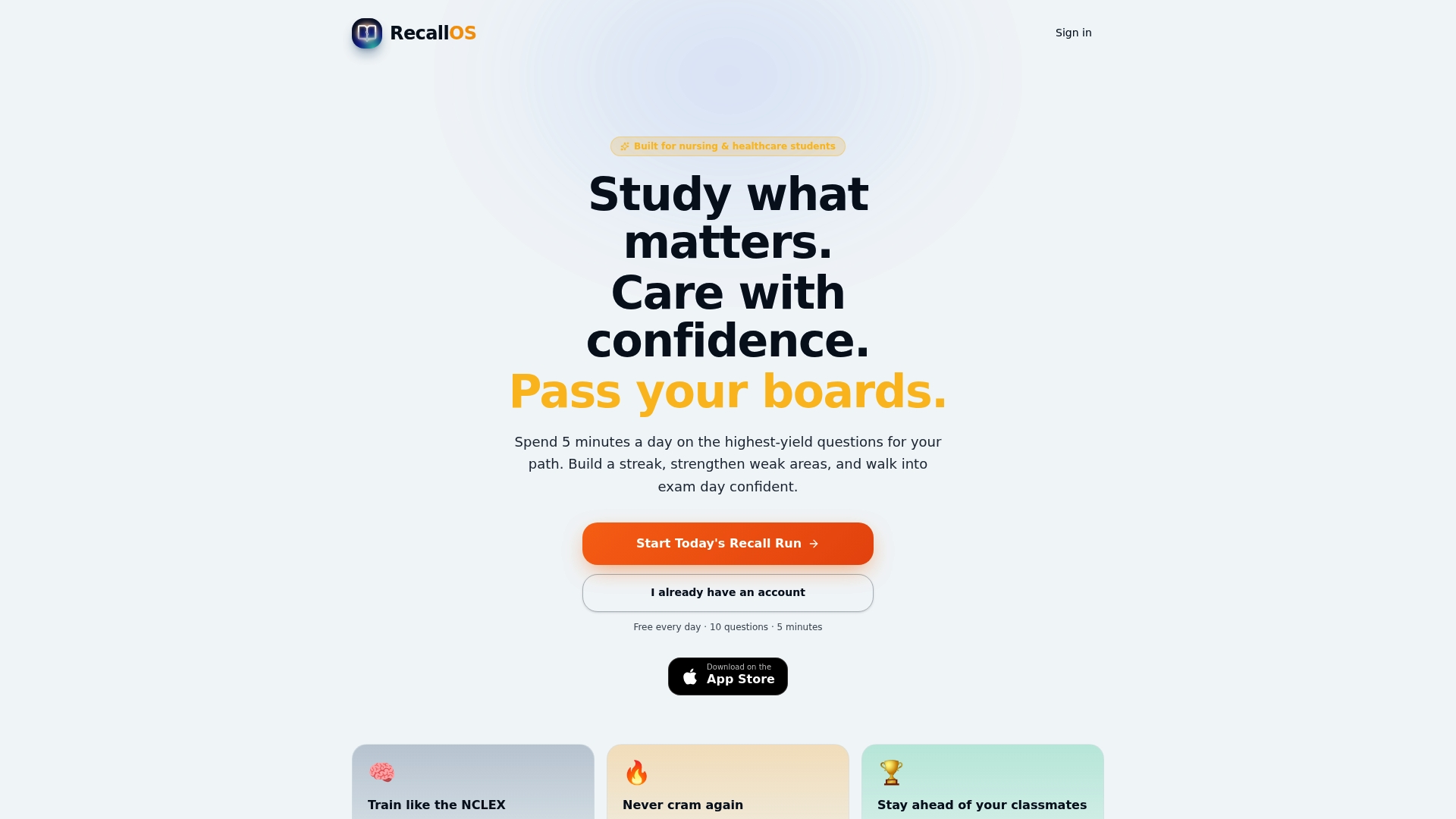
Consistency compounds. A student who logs a short daily session and reviews weekly builds a pattern that a single all-night cram session can't replicate, no matter how many hours it packs in. If you're preparing for the NCLEX, CRNA boards, or another certification exam, try RecallOS and see how a tracker built specifically for your exam changes what a daily streak actually means. Check out real feature examples before you commit to a study plan.
Templates and Tools Worth Bookmarking
- Habi's free habit tracker for a no-signup streak and heatmap tool.
- Notion's habit-tracking templates for a flexible, shareable daily and weekly layout.
- How to Track Study Progress for Nursing and Healthcare Exams for a deeper look at interpreting your own study metrics.
- Gamified Studying Benefits: Evidence and Practical Tips for the research behind streaks and rewards as motivation tools.
Sources
- Free Habit Tracker Online | Daily Streak & Goal Tracker | Habi
- The 5 best habit tracker apps
- Habit Tracking Templates
- AI Study Schedule Generator & Planner — Free, No Sign-Up